
Raycast is a launcher first and a clipboard manager second, but its clipboard history is good enough that a lot of Mac users never install anything else. This guide explains how it works, where the limits are, and how to decide whether it is enough for you.
How to open Raycast clipboard history
- Open Raycast with its hotkey (⌥Space by default, or ⌘Space if you replaced Spotlight).
- Type Clipboard History and press ⏎.
- Arrow down to an item and press ⏎ to paste it into the app you came from. ⌘⏎ copies it to the clipboard without pasting.
Most people assign a hotkey to the command so it opens in one keystroke. Open Raycast, find Clipboard History, press ⌘K, and choose Set Hotkey.
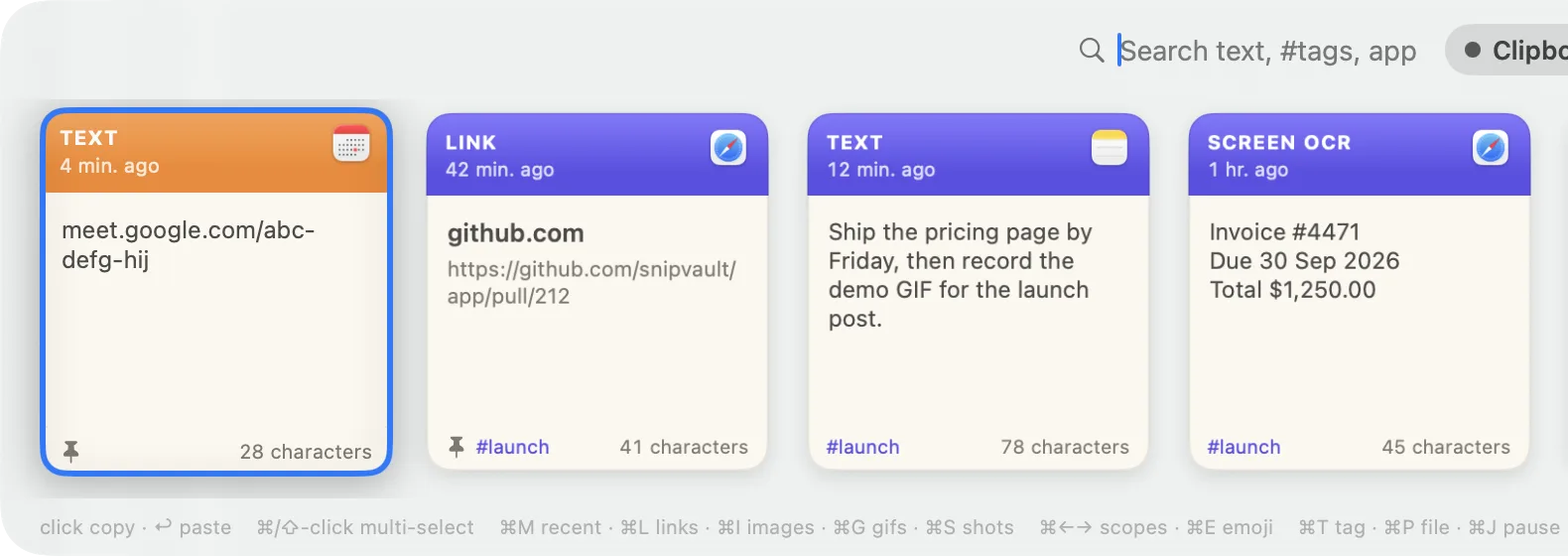
The list shows text, links, images, files, and colours, with a preview panel on the right. Start typing to filter. Items can be pinned so they stay at the top, and Raycast detects colours and links and offers actions on them.
How long does Raycast keep clipboard history?
| Free | Pro | |
|---|---|---|
| Retention | 3 months | Unlimited, or 6 months or 1 year |
| Storage | On your Mac | On your Mac |
| Sync between Macs | No | No |
| Price | Free | $8 per month, billed annually |
On the free plan, anything older than three months is deleted. Pro lets you choose unlimited retention under Settings, Extensions, Clipboard History, "Keep history for". Raycast Pro is $8 a month billed annually, or roughly $96 a year, and the clipboard is one of several Pro features alongside AI, cloud sync of settings, and themes.
Raycast stores clipboard history locally in every plan. It is never uploaded, and Raycast's own documentation says the clipboard is excluded from Pro cloud sync. That is a privacy positive and a convenience negative: your second Mac has its own separate history.
Privacy behaviour
Raycast skips items that apps mark as concealed, which covers most password managers, and you can add specific apps to an ignore list in the Clipboard History settings. It does not automatically expire one-time codes or card numbers, so a copied verification code sits in the history until it ages out.
Where does Raycast's clipboard run out?
Raycast's clipboard history is a strong general-purpose tool. Five things push people to a dedicated manager:
- The three-month wall. On the free plan the item you need from last quarter is gone. Removing the limit costs about $96 a year, more than any standalone clipboard manager.
- No sync. By design. If you work on a desktop and a laptop, you maintain two histories.
- Reliability under load. An open GitHub issue from January 2026 reports Raycast saving only a fraction of copied items for some users. It is not universal, but a clipboard manager you cannot trust to catch every copy is hard to rely on.
- Organisation. Pinning is the only structure. There are no boards, folders, or tags for the things you paste every week.
- OCR is a separate feature. Raycast can search text inside screenshots it has indexed, but there is no one-keystroke "drag a region, get the text" capture that lands in the same history.
Raycast versus a dedicated clipboard manager
If you already use Raycast for launching and its snippets, the clipboard history is a genuine bonus and you should give it a fair run. Turn on a hotkey, use it for a month, and see whether the three-month limit ever bites.
If it does, the options are Raycast Pro or a standalone app. Compared with Pro's $96 a year:
- Maccy is free, keeps 999 items, and is text-focused.
- Paste is $29.99 a year and adds iPhone sync and pinboards.
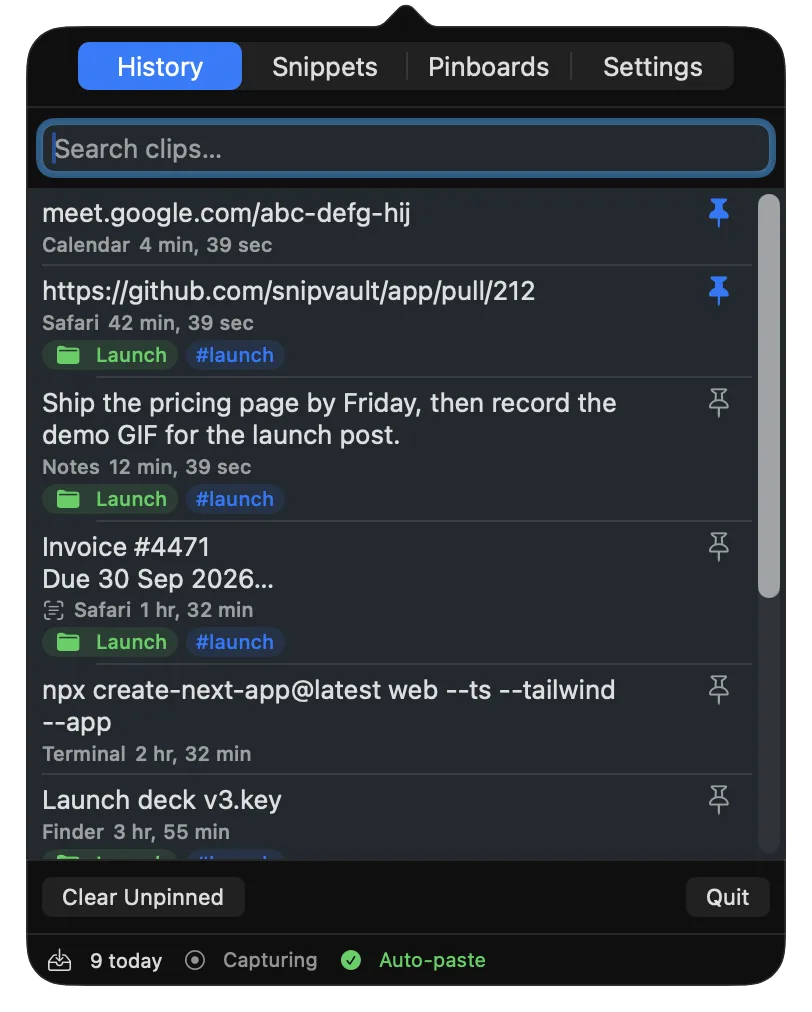
- SnipVault is $29.99 a year or $79 once, keeps unlimited history with full-text search, adds screenshot OCR (⇧⌘2) that keeps the image and its text together, expands snippets with placeholders in any app, and auto-expires copied codes and card numbers after 60 seconds. It also imports your Raycast snippets, so your existing keywords keep working.
You can run SnipVault alongside Raycast. Many people keep Raycast as the launcher and let SnipVault own the clipboard. See the full feature table in SnipVault vs Raycast.
Three months on the free plan. Raycast Pro lets you set 6 months, 1 year, or unlimited.
Locally on your Mac. It is never uploaded to Raycast's servers and is excluded from Pro cloud sync.
No, in any plan. Each Mac keeps its own history.
It ignores content that apps mark as concealed, which covers most password managers, and you can exclude specific apps. It does not expire one-time codes automatically.
Open Clipboard History, press ⌘K on any item, and choose Delete Entry or Delete All Entries. You can also change the retention window in the extension's settings.